

Build your Angkor sanctuary, stone by stone.
Play, earn in-game rewards, and learn in WAT LOKA. Build daily practice for focus and clarity as you explore an Angkor-inspired world, find the golden shovel and grow your sanctuary. Start with a 60-minute session; an active Pass lets you continue and save your progress.
New to WAT LOKA? Watch the narrated How To with ZEN audio, then return to build your sanctuary. Check Google Play for the current app release.

 Android phones & tablets
Optional Google backup · Google Play purchase restore
Play nowPC / Web Edition · any browser
Google backup or device-only saves
Get ZEN · WAT LOKA on Google Play for Android phones and tablets, or explore the PC / Web Edition in a modern browser on PC, Mac or iPhone. Part of the ZEN · ANICCA family of calm, safe games for friends and families: no chat with strangers or loot boxes. Optional in-game offers appear periodically.
An immersive world of ANICCA
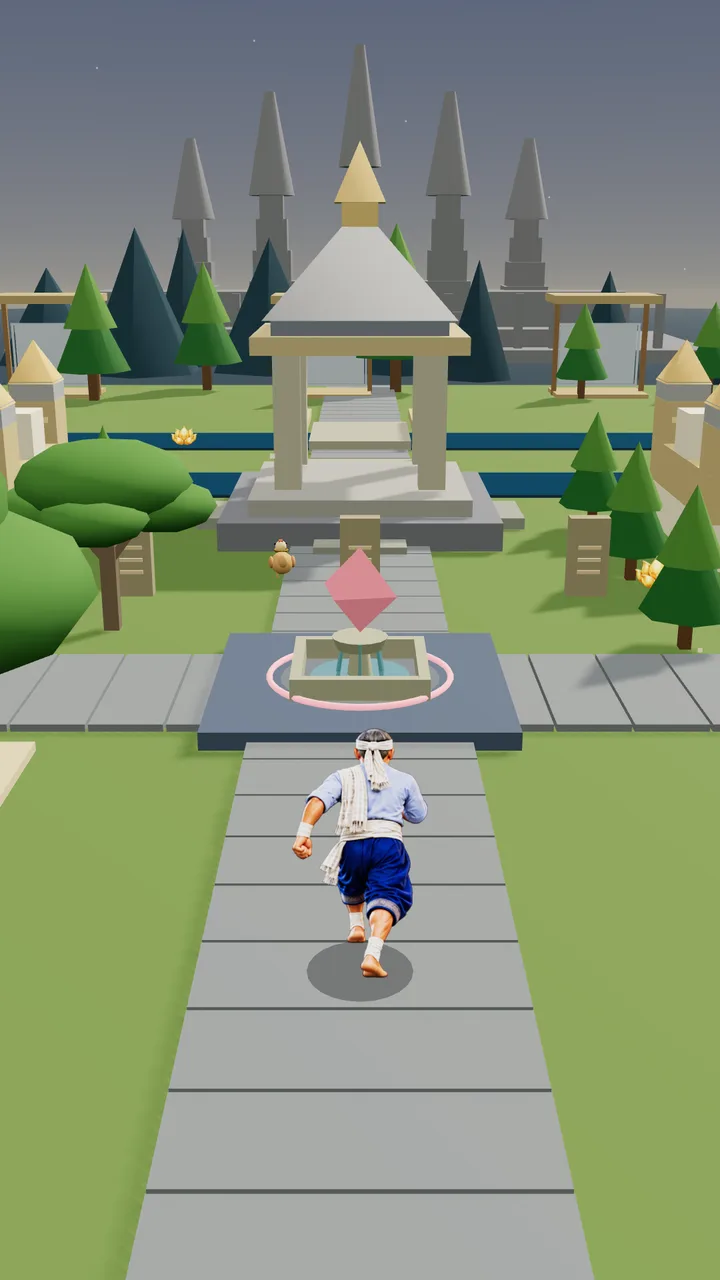
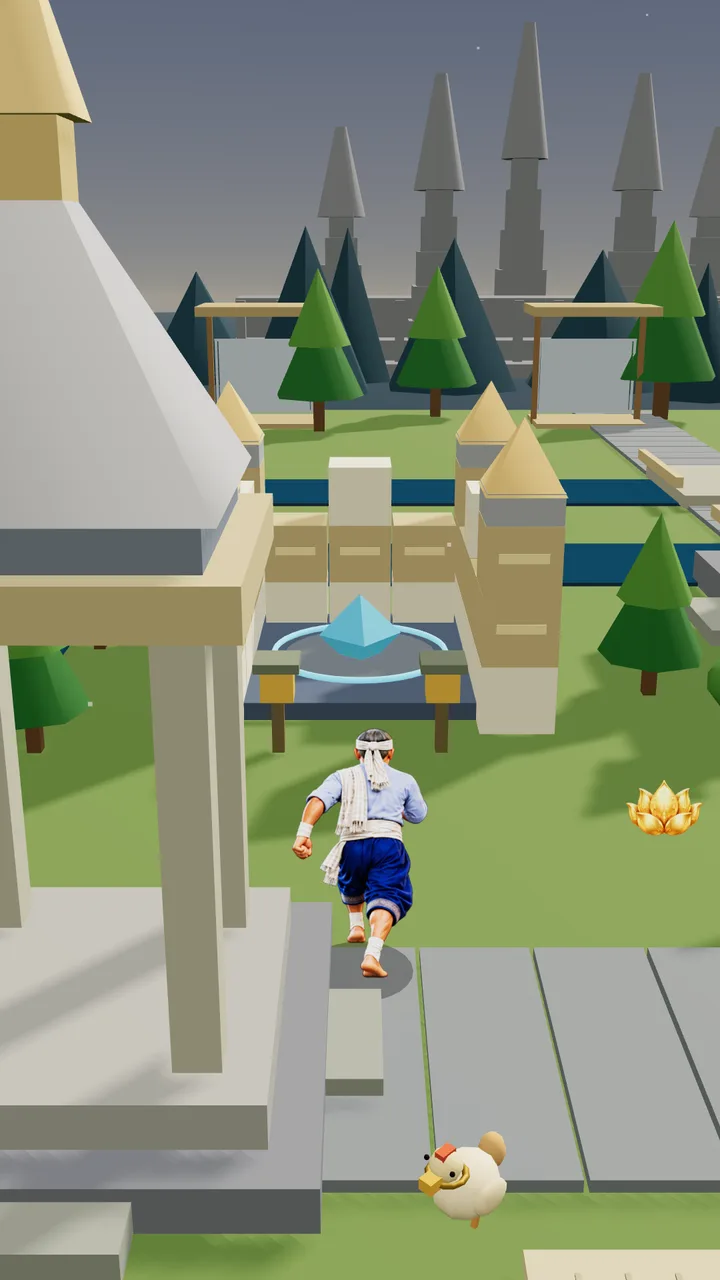
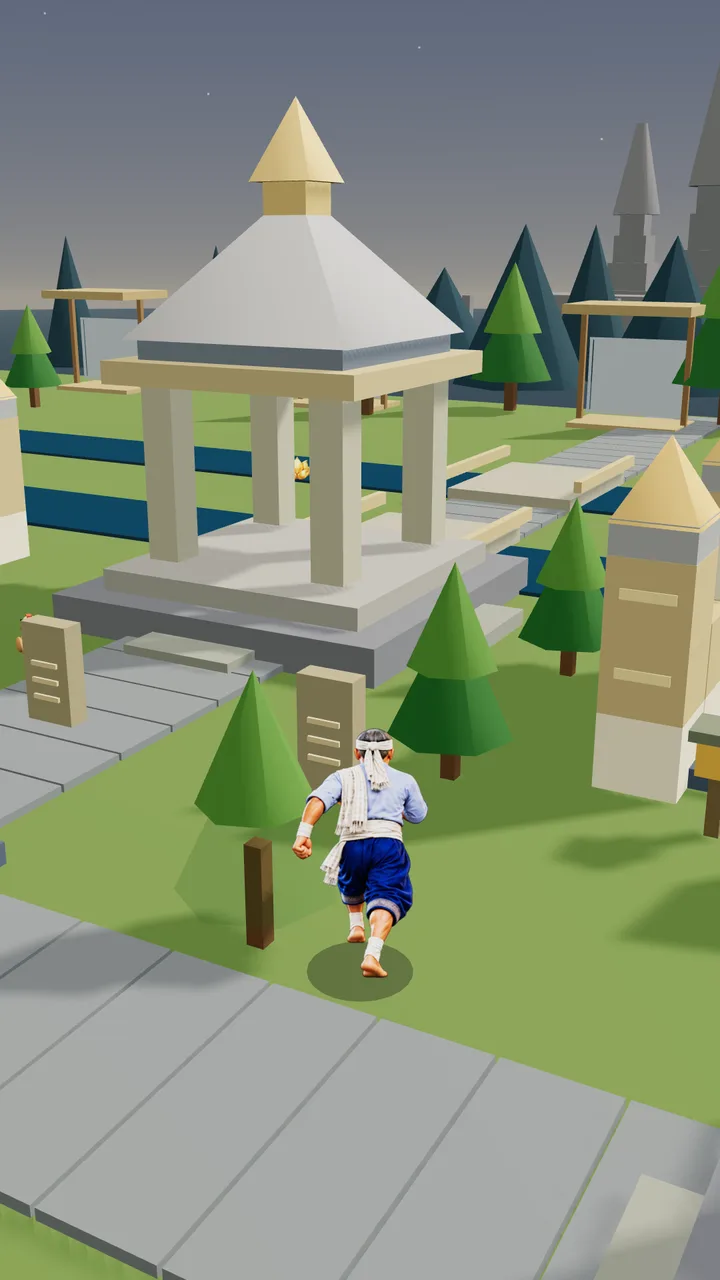
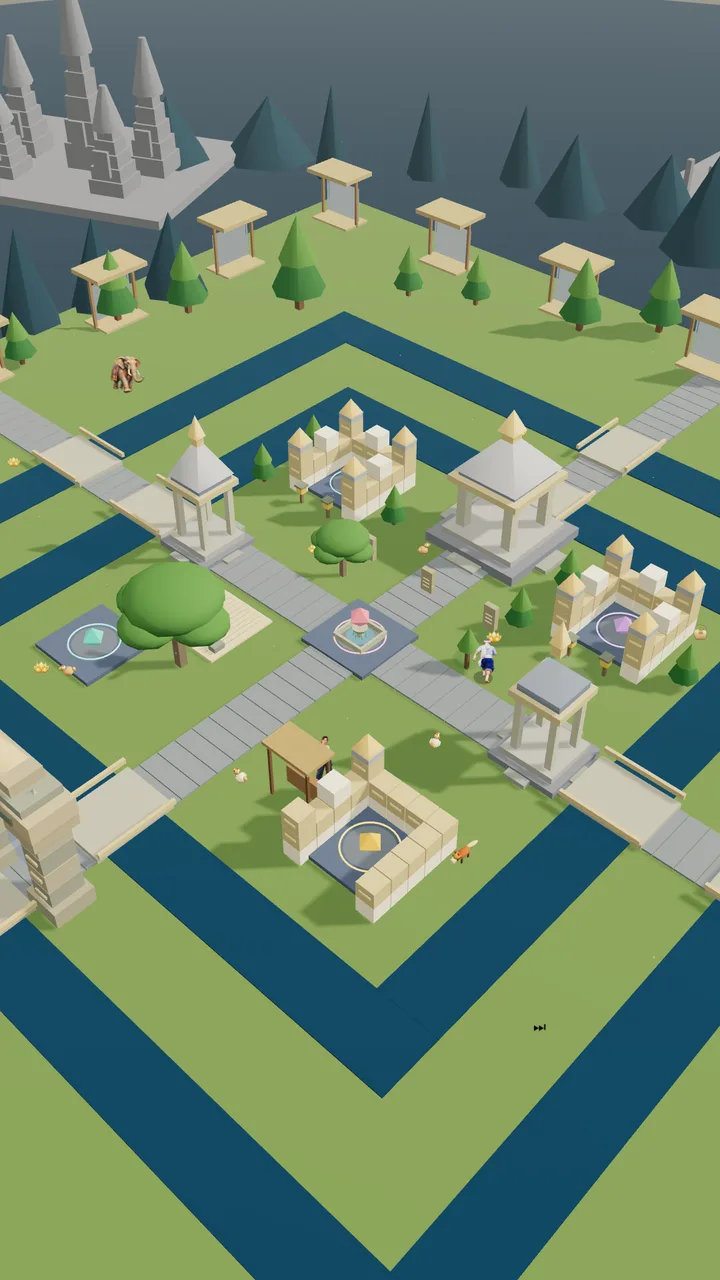
A calm, low-poly Angkor to wander, build and come back to. No timers pushing you along: build a little after each training round, and watch your temple city grow.
Find the golden shovel
Follow the gold radar dot down the stone causeway. The ancient shovel unlocks building.
Raise five sanctuaries
Place sandstone, carved and crown STONES around each sacred stone. Twenty-five stones complete a sanctuary.
Visit five drill portals
Discover Runner, Ancient Battle, Prajna Drums, Lotus Bloom and Lantern Grove. Full access follows game ownership or an active WAT Pass.
Tend the Royal Palace hens
Rescue wandering hens, build Royal Coops and plant rice fields and greens inside the inner moat.
Ride the moat
Launch a raft, cross bridges and gardens, and visit Rochelle's market stall for specials.
Build and train
Take a short drill break, then return to the same place in your world and keep building.
Scenes from WAT LOKA


ZEN creatures
The Moon Wolf with his krama scarf, the Royal Palace hens and the Ember Fox. These are new ZEN-made models planned for an upcoming build.

Play WAT LOKA today
Play, earn in-game rewards, and learn on Android or in your browser. Optional drills and Pass purchases are available in the Android app; Google Play confirms your current price before payment.
Android phones & tablets
Optional Google backup · Google Play purchase restore
Play nowPC / Web Edition · any browser
Google backup or device-only savesOn a phone, open the Web Edition and choose Share → Add to Home Screen (iPhone) or ⋮ → Add to Home screen (Android) to keep it like an app. The Android app supports Google Play purchases and restore. Both editions offer Google progress backup or device-only saves.
